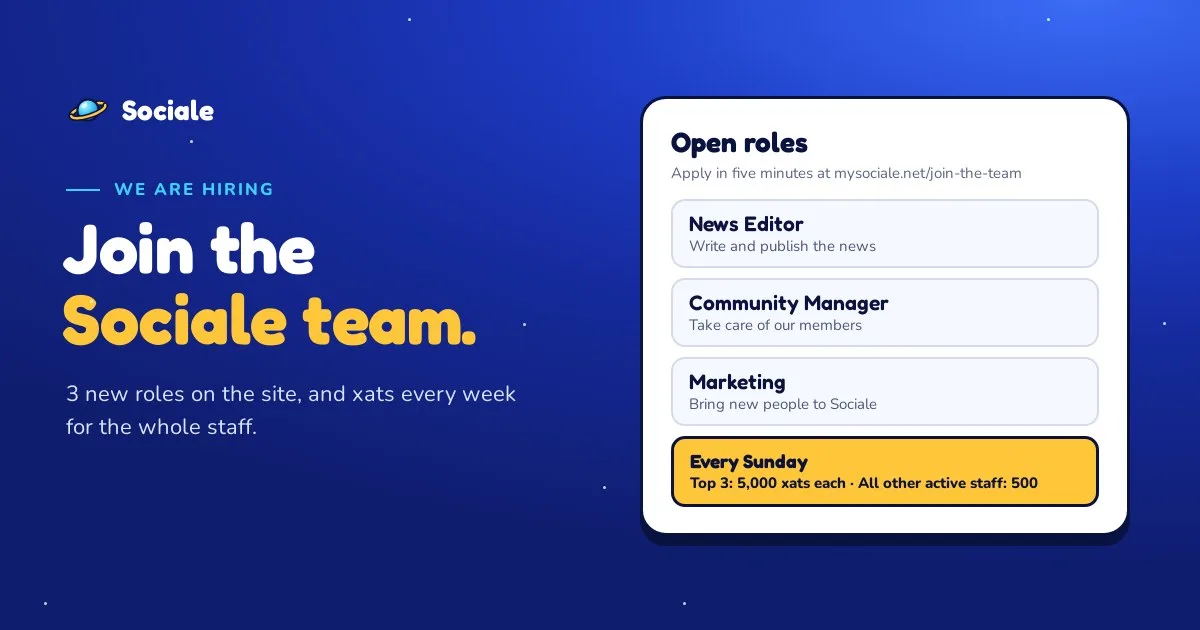
We are hiring. Sociale is growing, and we need more people to help us run the site. Today we open 3 new roles on mysociale.net: News Editor, Community Manager and Marketing.
You don't need to be in the chat every day for these roles: they are about the website. If you like writing, helping people or bringing new friends to Sociale, there is a place for you.
The new roles
| Role | What you do | What we ask |
|---|---|---|
| News Editor | You write and publish the news and the guides of the site, and you keep the pages, the FAQ and the rules up to date. | You write clearly in English (Spanish or Italian is a plus), a text you wrote, and at least one news a week. |
| Community Manager | You take care of the members: support requests, contact messages, ideas, posts in the feed and events. | You are kind, patient and fair, you are on Sociale most days, and your account is at least 14 days old. |
| Marketing | You help more people discover Sociale: social media, Telegram, announcements, push notifications and campaigns. You also see the numbers of the site, so you know what works. | You know social media well and you have ideas to bring new people. No spam: we promote Sociale in the right way. |
When you are accepted, you get your role on the site automatically: the tools you need in the panel and a badge on your profile.
Every Sunday: xats for the whole staff
Being in the staff is real work, and we want to say thank you every week. From this week:
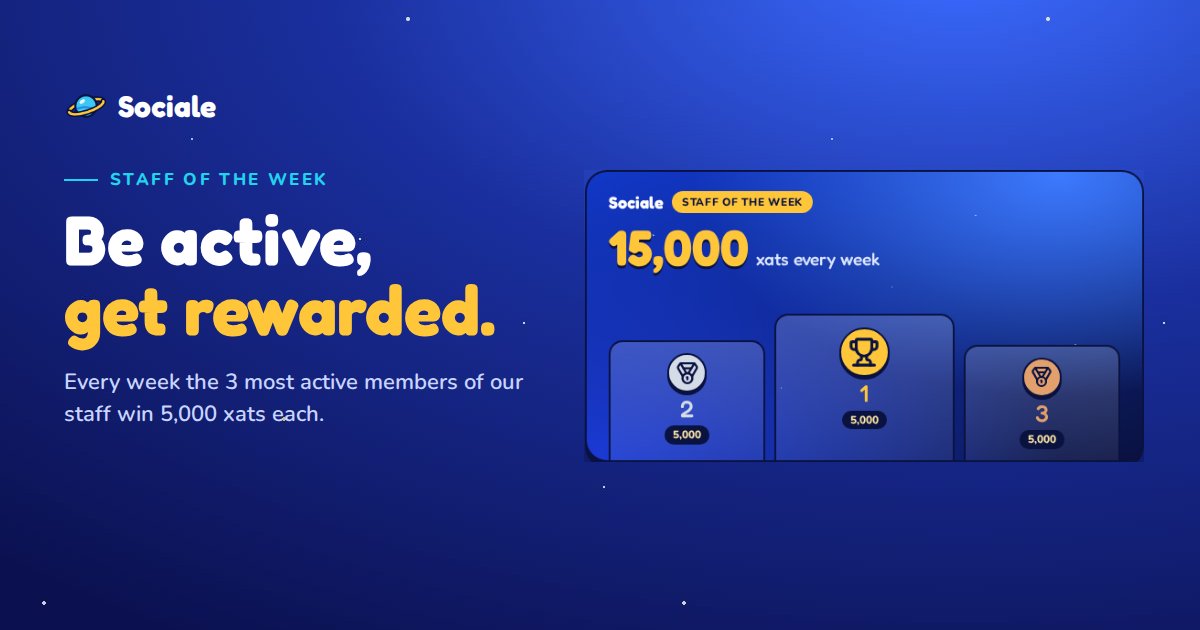
- Staff of the week: the 3 most active staff members win 5,000 xats each, as before.
- Everyone else: every other active staff member gets 500 xats for their work during the week.
It counts for all the staff: the staff of the website (News Editors, Community Managers, Marketing, moderators of the site and the others) and the staff of the chat (helpers and moderators). Activity on the site and activity in the chat both count. You can see the points and the ranking at any time on the Staff of the week page.
To receive the xats, link your xat account in Settings → xat.
How to apply
- Open mysociale.net/join-the-team. You need a free Sociale account: log in or create one.
- Read the cards of the roles and choose the one that fits you.
- Tap Apply as…, answer the questions and tap Send my application.
The staff reads every application and votes. You get the answer in your notifications and in the Help center. Want to know more about how it works? Read our guide Join the Sociale team: how to apply and which role to choose.
The other roles are still open too: Helper, Designer, Event host, Writer and Translator.
We are waiting for you. Questions? Write to us from Help & support or ask in the Sociale chat.