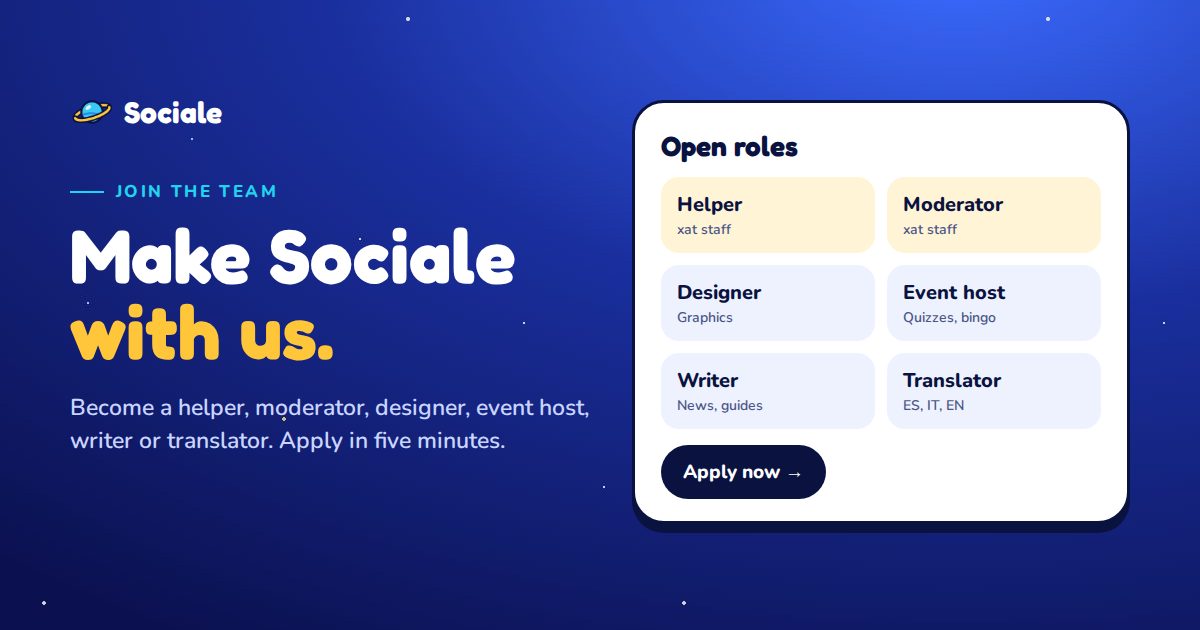
New on Sociale: you can now apply to join the team. Helpers, moderators, designers, event hosts, writers and translators: there is a place for everyone who wants to make the community better.
Applying takes about five minutes. You choose a role, answer a few questions, and the staff reads your application and votes. In this guide we show you, step by step, how to apply and which role is right for you.
How it works

- You apply. Choose a role and answer the questions.
- The staff votes. Your application goes to the staff group: every member reads it and votes yes or no.
- You get the answer. When more than half of the staff agrees, the decision is made. You get the answer in your notifications and in the Help center.
If you are accepted, you get your role on Sociale automatically: a badge on your profile, and for some roles new tools on the site.
Step 1: open the Join the team page
The quickest way is to open mysociale.net/join-the-team.
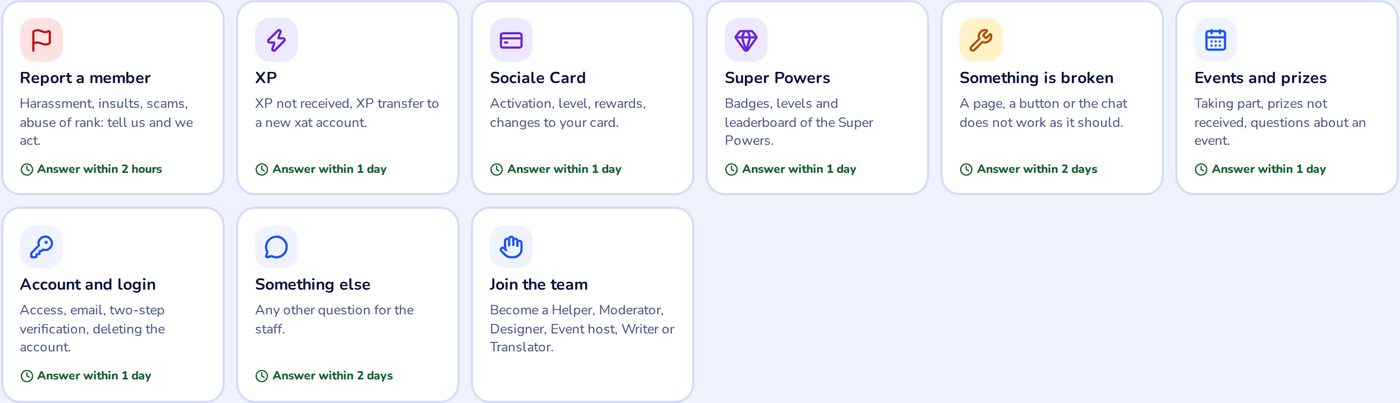
You can also find it in the Help center: tap the Join the team box at the end of the list.
And from the Staff page, under the list of the team.
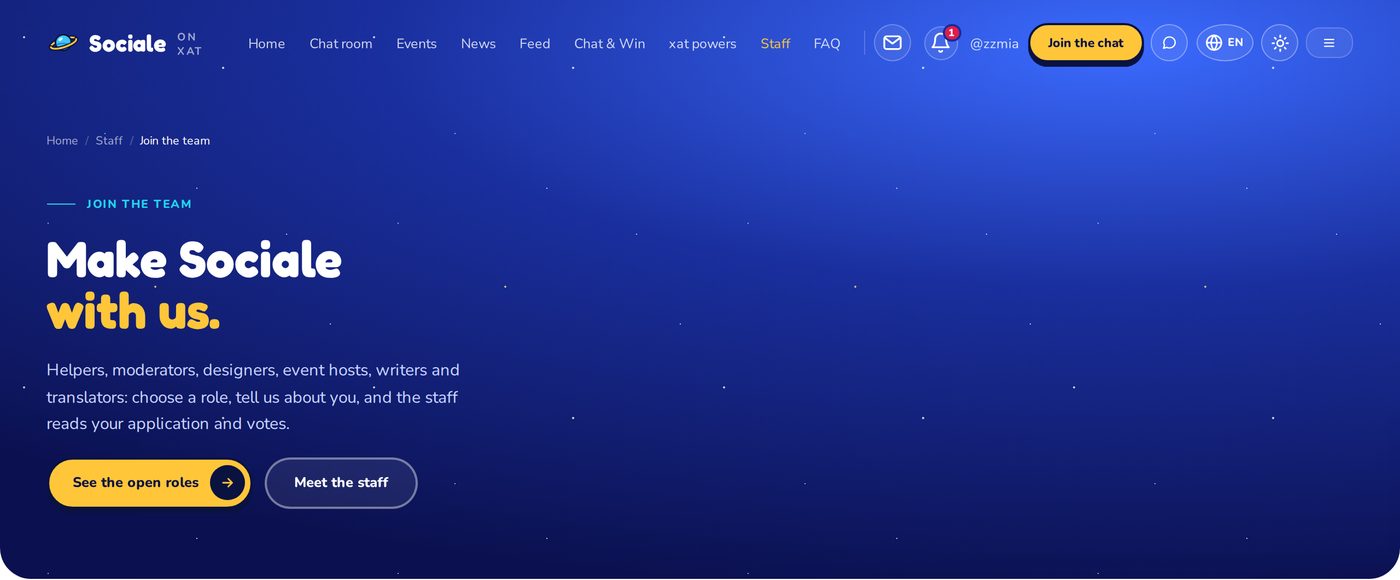
To apply you need a free Sociale account. Not logged in yet? Log in or create an account, then come back to the page.
Step 2: choose the right role
Each card tells you what you do in that role and what we ask. Read them all before you choose.
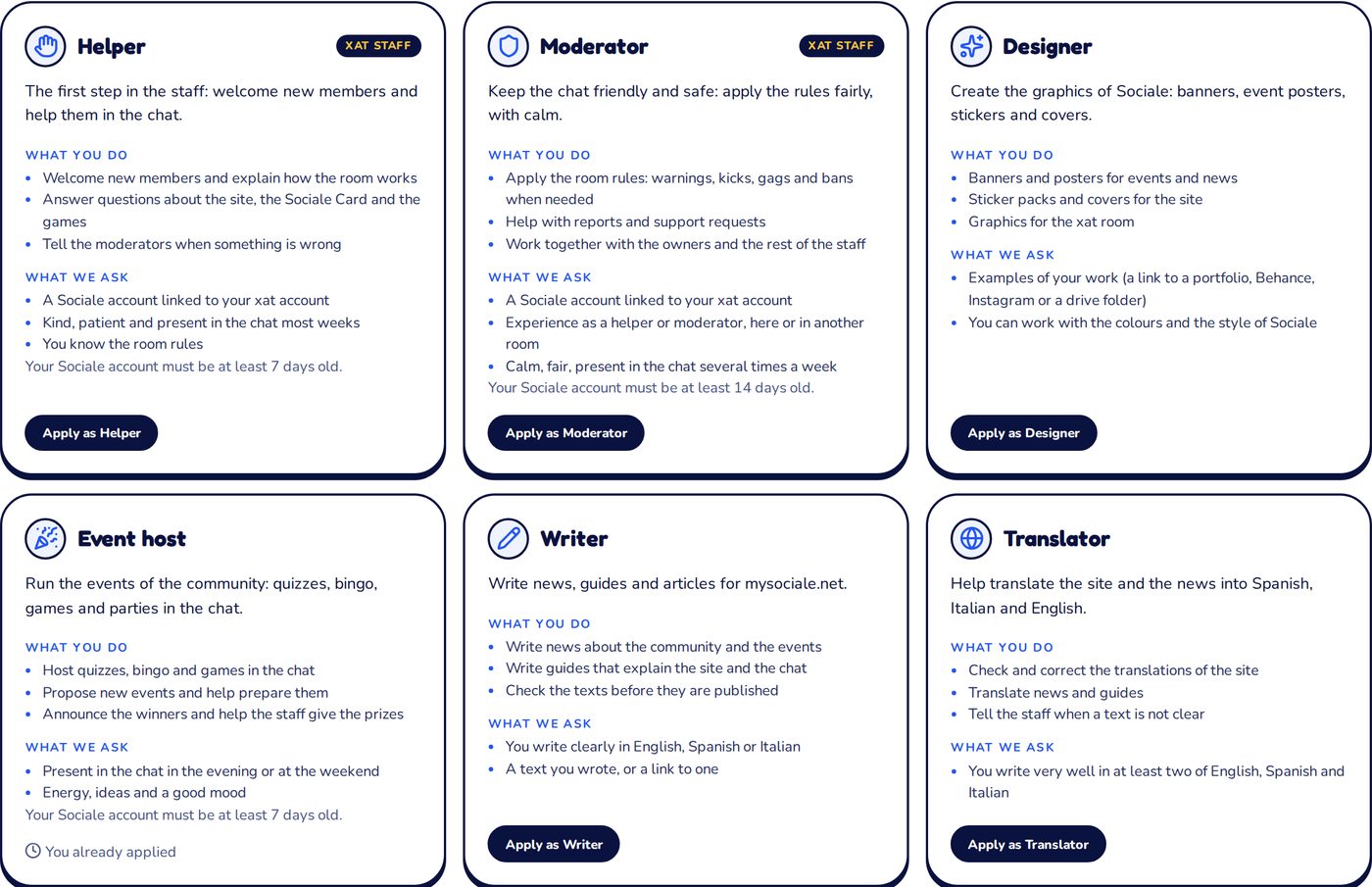
Which role is right for you?
| Role | Choose it if… | What you need |
|---|---|---|
| Helper | You like welcoming new people and explaining how the room, the site and the games work. It is the first step in the staff. | Your xat account linked to Sociale, an account at least 7 days old. |
| Moderator | You are calm and fair, you know the rules well and you can handle arguments. Best if you were already a helper or moderator, here or in another room. | Your xat account linked, an account at least 14 days old, and an answer about how you would handle a fight in the chat. |
| Designer | You make graphics: banners, event posters, stickers, covers. | A link to your work (portfolio, Behance, Instagram or a drive folder). |
| Event host | You have energy and ideas, and you are in the chat in the evening or at the weekend to run quizzes, bingo and games. | An account at least 7 days old and an idea for an event. |
| Writer | You like writing news and guides about the community. | A text you wrote, or a link to one. Writers get access to write articles on the site. |
| Translator | You write very well in at least two languages between English, Spanish and Italian. | The languages you translate between. |
Not sure? If you want to be in the chat staff, start as Helper: it is the best way to learn, and moderators often come from the helpers. If you prefer to create things, choose Designer, Writer or Translator: you don't need to be in the chat every day.
Helper and Moderator have the xat staff label: they are staff roles in the chat room. To apply for them, link your xat account in Settings → xat first.
Step 3: fill in the form
Tap Apply as… on the role you chose. The form opens just below.
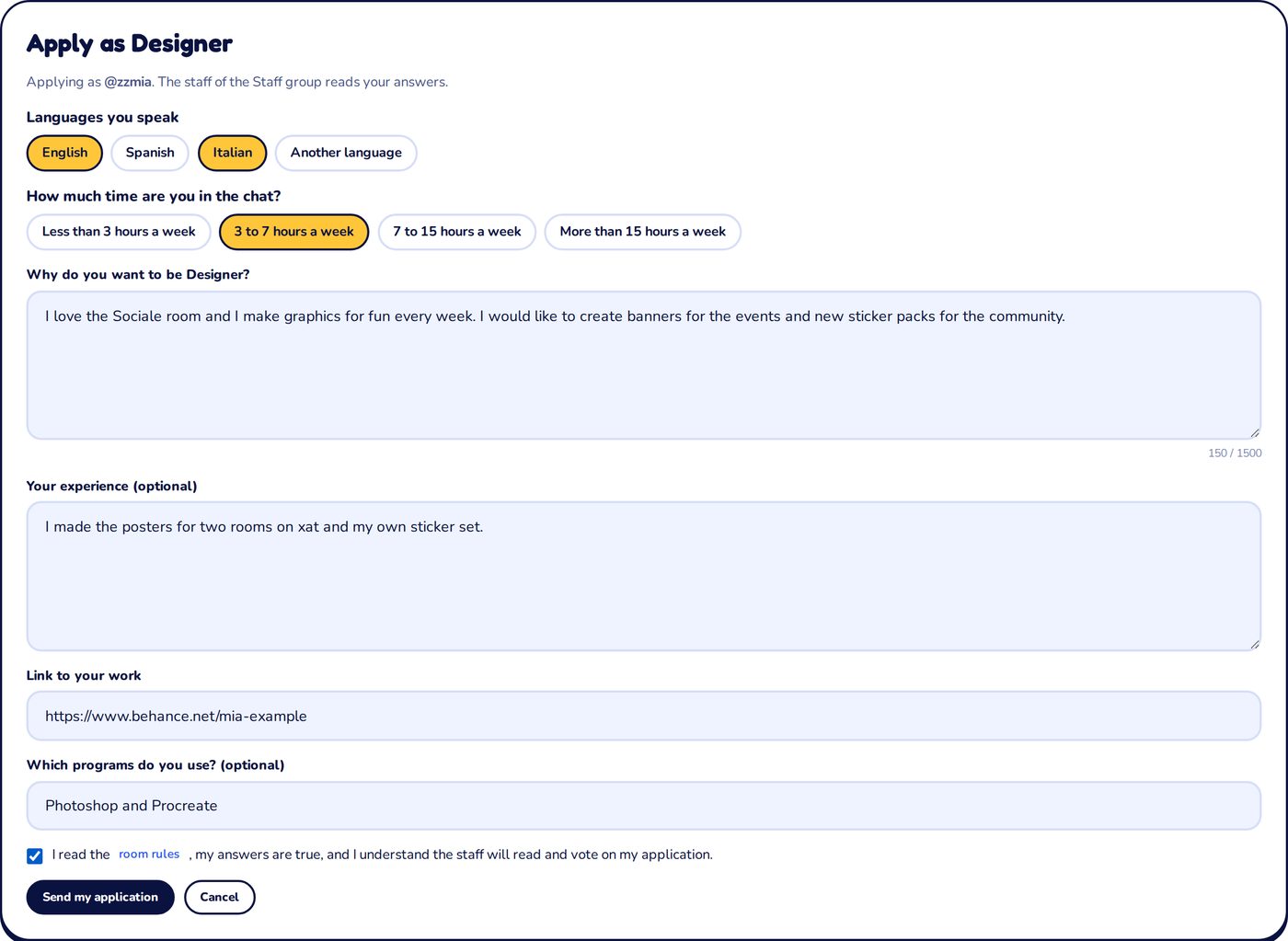
- Languages you speak: tap all the ones you use in the chat.
- How much time are you in the chat: be honest, there is no wrong answer.
- Why do you want this role: at least 50 characters. Tell the staff about you, what you like in Sociale and what you would bring to the team. This is the most important part.
- Your experience: optional. Roles you had in other rooms or communities, things you made.
- The questions of the role: some roles ask something more, for example the link to your work for designers.
At the end, confirm that you read the room rules and tap Send my application.
Tips for a good application
- Write in your own words. A few sincere lines are better than a long copied text.
- Be concrete: what would you do in the first week?
- Check your links: the staff must be able to open them.
- Be kind in the chat and follow the rules: the staff knows the members of the room.
Step 4: follow your application
After you send it, your application becomes a request in the Help center, where you can follow it. You also see it at the top of the Join the team page, under My applications.

- The staff is reading it: the vote is open.
- Approved: welcome to the team! You get your role automatically. For Helper and Moderator, an owner also gives you the rank in the xat chat.
- Not accepted: the staff may write you a short reason. You can apply again for the same role after 30 days.
Changed your mind? Tap Withdraw while the application is open.
On your phone
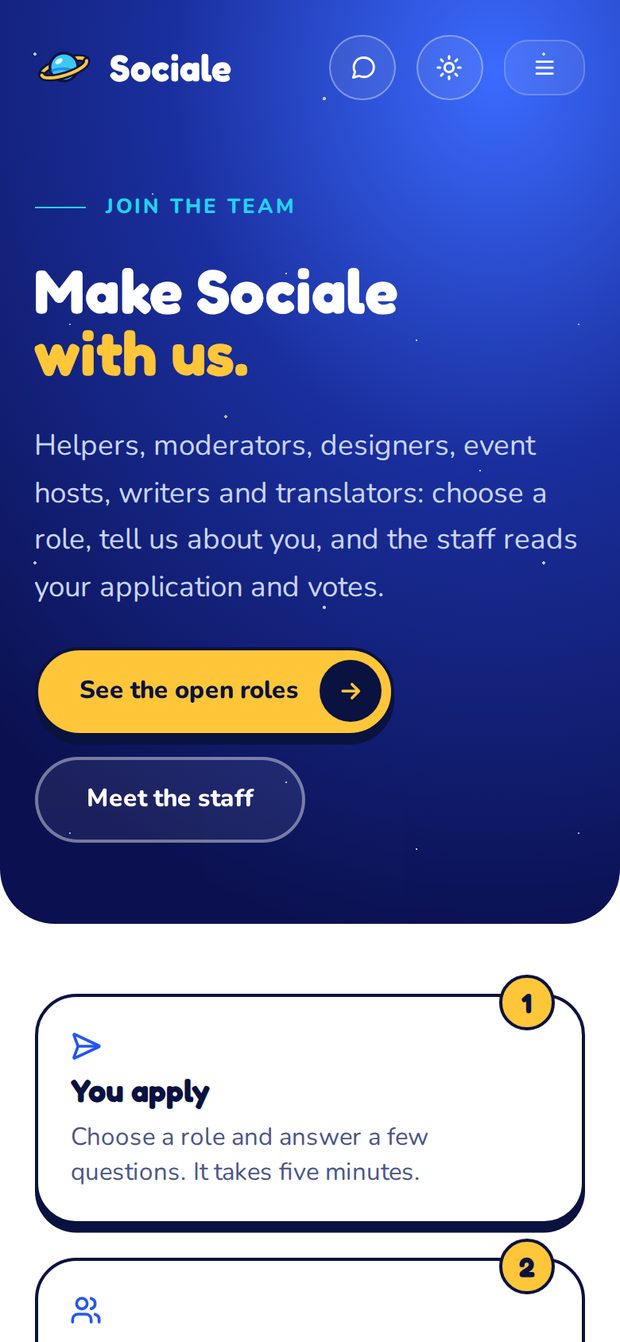
The page works the same on your phone and in the app.
Good to know
- You can have at most two applications open at the same time, for different roles.
- Being in the team is a volunteer role. The staff can change or remove a role at any time, following the room rules.
- New roles may open in the future: keep an eye on the page.
Ready? Open Join the team and choose your role. Questions? Write to us from Help & support or ask in the Sociale chat. We can't wait to read your application!