
Guide
Mew Pop: how to collect the Sociale stickers.
Mew Pop is the sticker collection of Sociale, made with MewBots. Catch the stickers that drop in the chat, open your packs, give and swap with friends, and complete the series for coins and a badge. Here is everything, step by step.
- 48 stickers in 4 series: Sociale Classics, Night Room, Arcade and Halloween 2026.
- Catch them when they drop in the Sociale chat, with the button on the site or with
!catchin the chat. - 3 stickers in every series are “Chat only”: you get them only with
!catchin the chat. - Open your packs: 3 stickers each, earned with time on the site. Open them within 10 minutes.
- Give and swap your duplicates with friends.
- Complete a series and hand it in: 150 coins and a collector badge.
- See every sticker with its power and ability on All the stickers, and show your collection on your profile.
1. Before you start: link your xat account
Your stickers live in your Mew Pop inventory on MewBots, tied to your xat account. So your album is the same in the chat and on the site.
- Create a free account on mysociale.net, if you do not have one yet.
- Link your xat account with the Sociale Card: request the card with your xat username and xat ID, and the staff activates it.
- Open your album from the menu: Mew Pop.
2. Catch the stickers in the chat
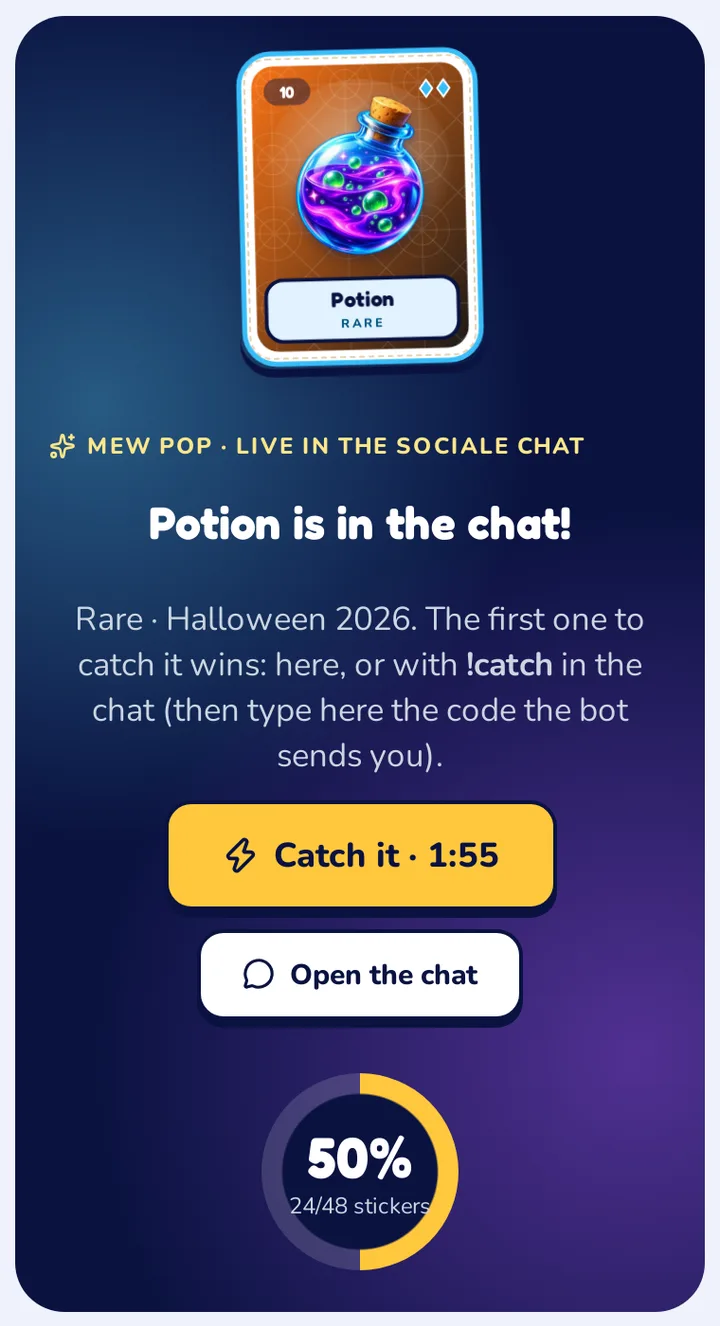
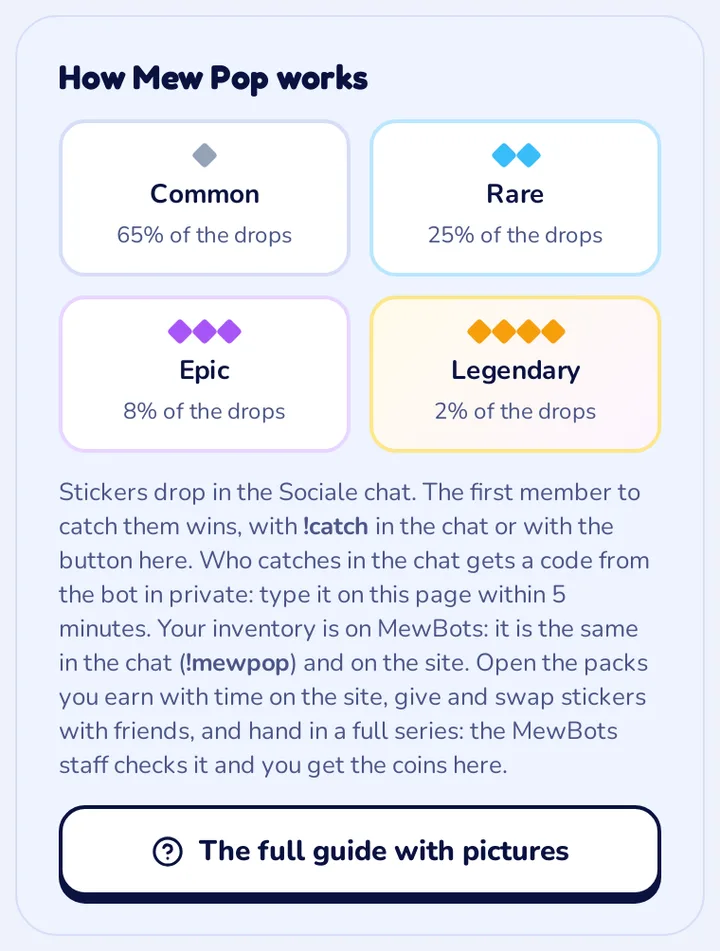
About every 5 minutes a sticker drops in the Sociale chat. It stays only for a short time: more for the rare ones. The first member who catches it wins.
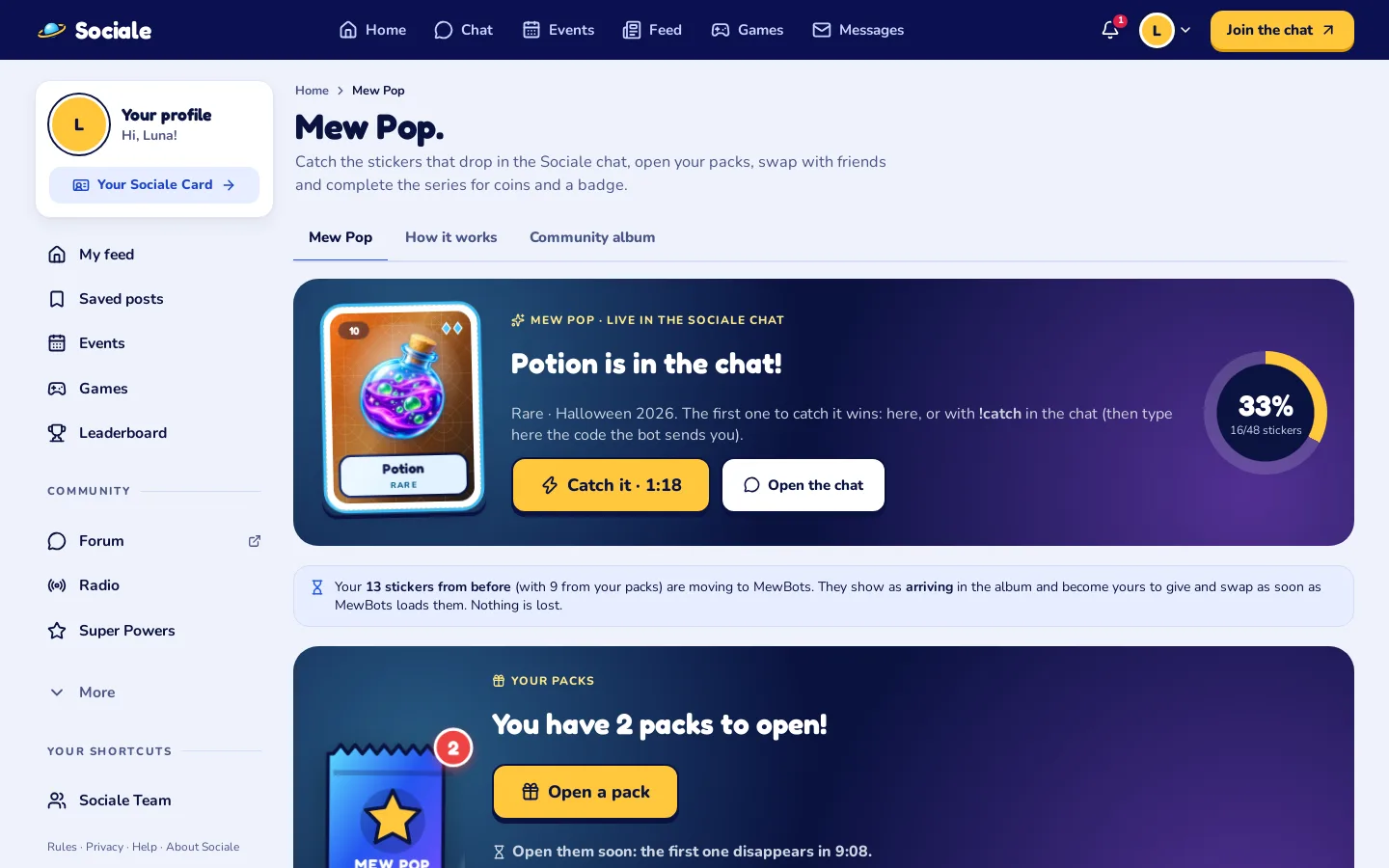
- Keep the Mew Pop page open. When a sticker drops, it shows at the top with its name, rarity and the time left.
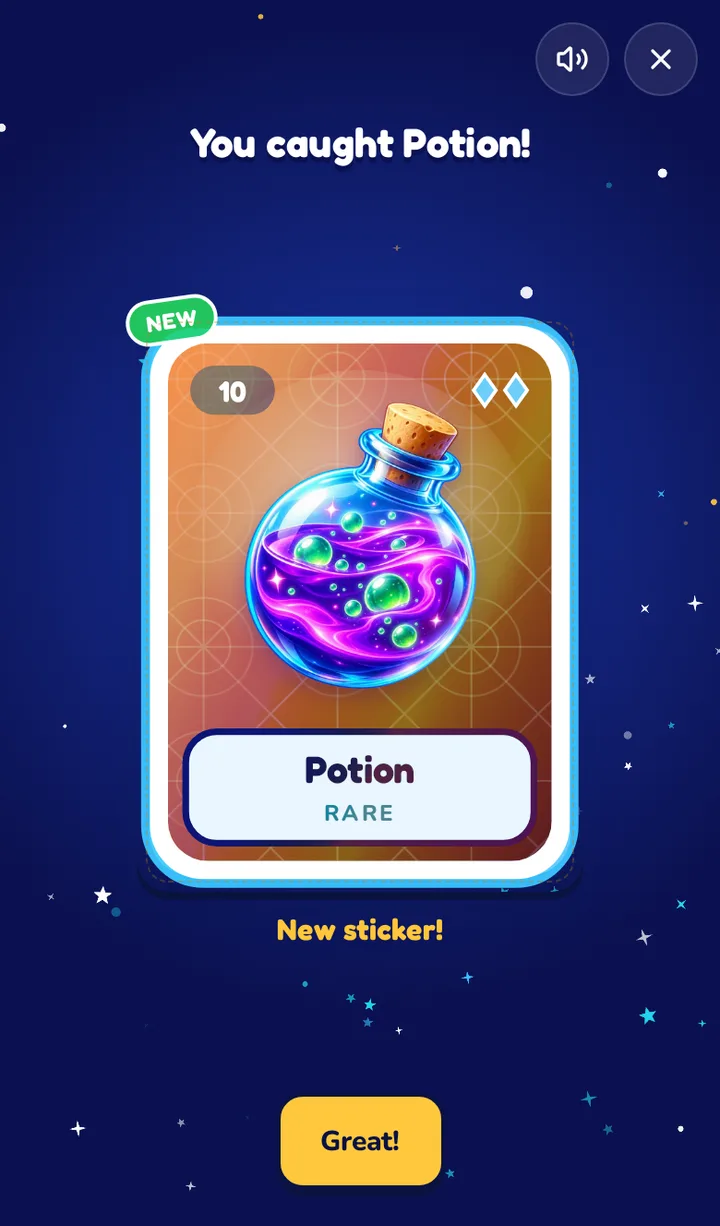
- Tap “Catch it”. If you are the first, the sticker flies into your album.
- Or write
!catchin the chat. It works the same, but then you have to type the code from the bot (see the next step).
Too late? Someone was faster. The next sticker comes in a few minutes.
Chat only: in every series 3 stickers (the legendary and the epic ones) drop only in the chat. When one of them drops, the page tells you: catch it with !catch in the chat, then type the code.
3. Caught it with !catch? Type the code
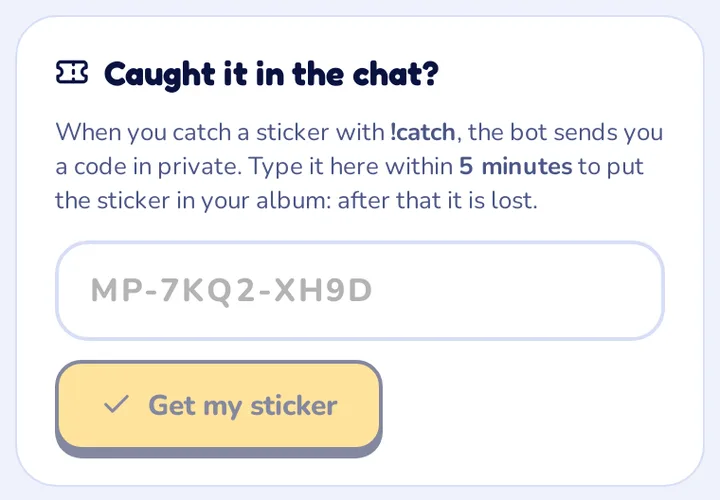
When you catch a sticker with !catch in the chat, the bot sends you a code in private (like MP-7KQ2-XH9D).
- Open the Mew Pop page and find the box “Caught it in the chat?”.
- Type the code, in capitals or not, with or without the dashes, and tap Get my sticker.
- You have 5 minutes. After that the code expires and the sticker is lost.
The code is only yours: nobody else can use it. Never share it.
4. Open your packs
You also earn packs just by being on the site. Every pack has 3 Mew Pop stickers.
- 1 pack every 15 minutes of time on the site with the page open and in use, up to 4 a day.
- 1 pack every day you visit, and 1 bonus pack every 7 days in a row.
- When a pack arrives you see a message: tap it, or open Your packs on the Mew Pop page.
- Open it within 10 minutes: after that it disappears. The page shows how much time is left.
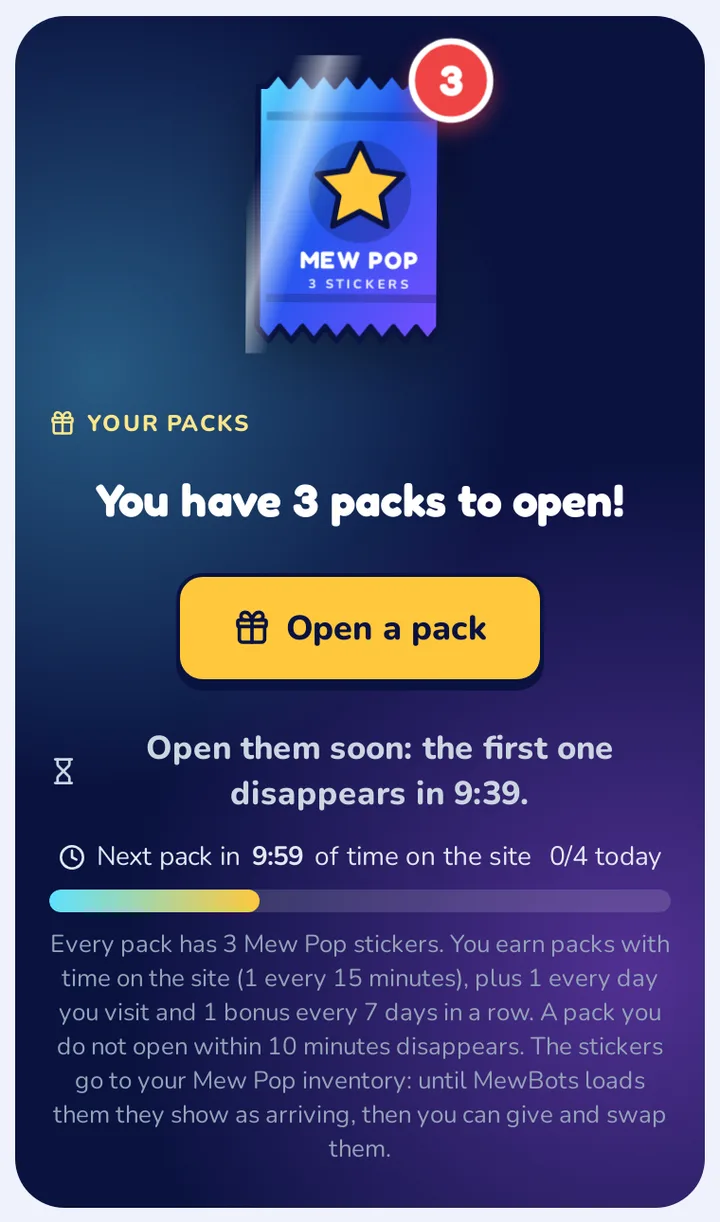
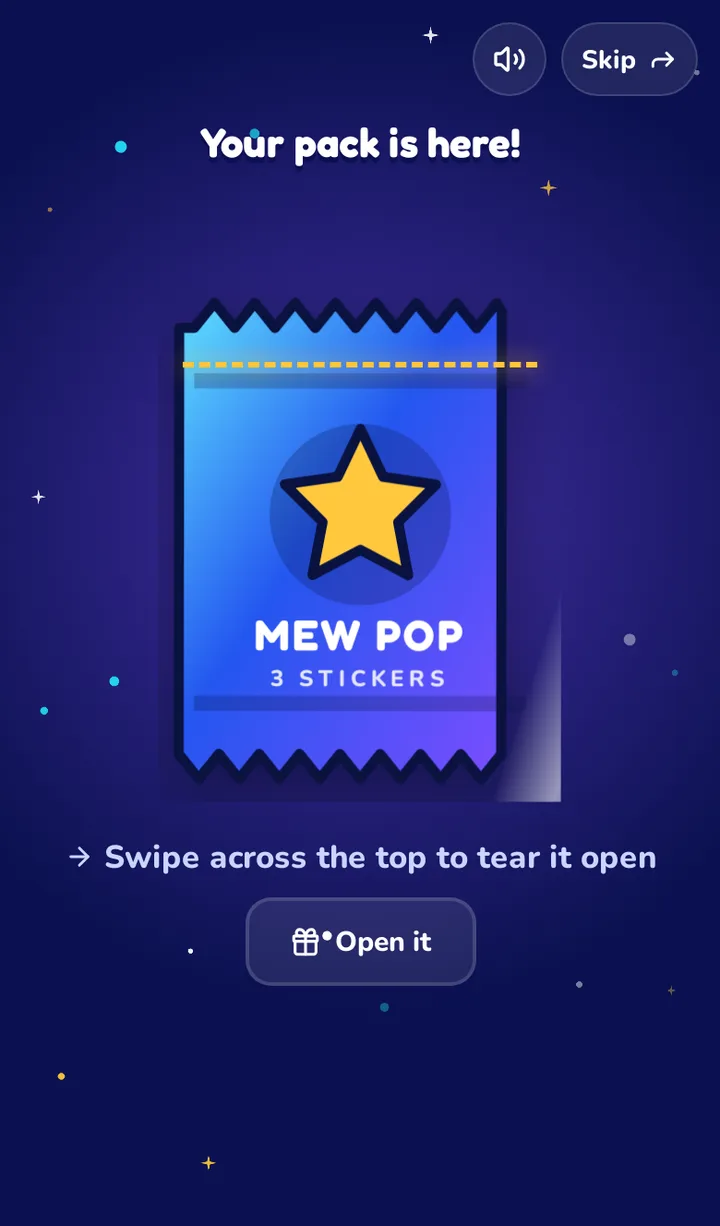
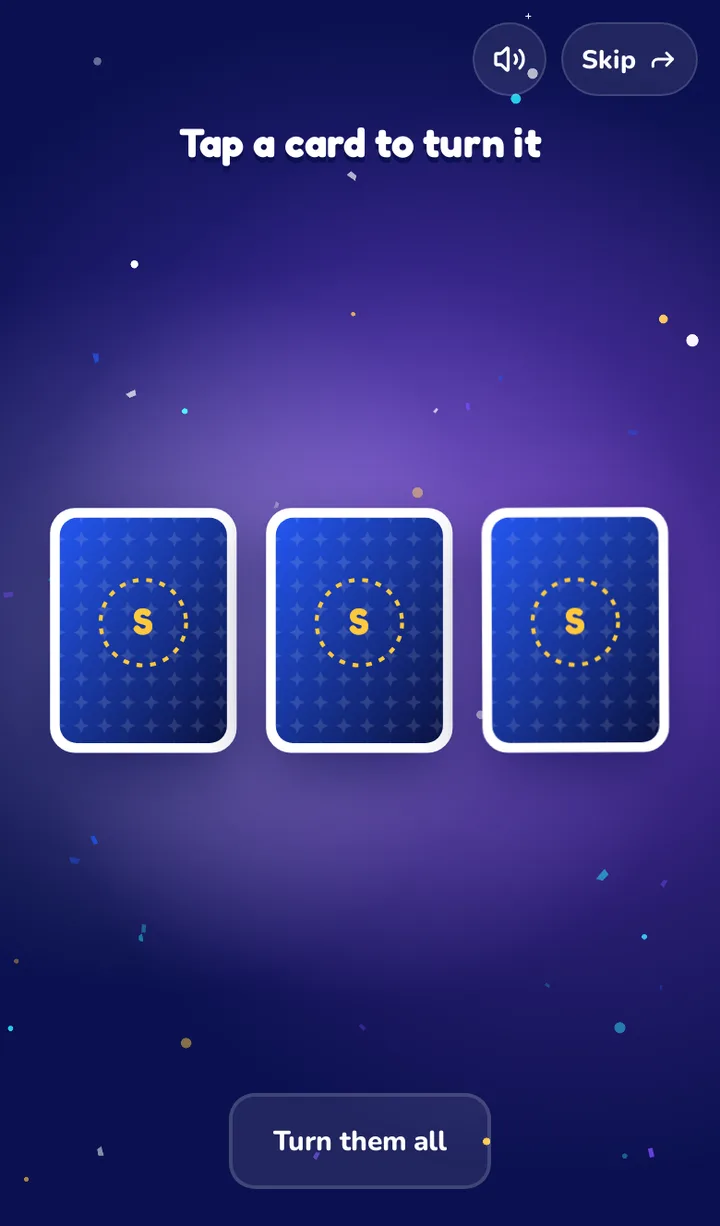
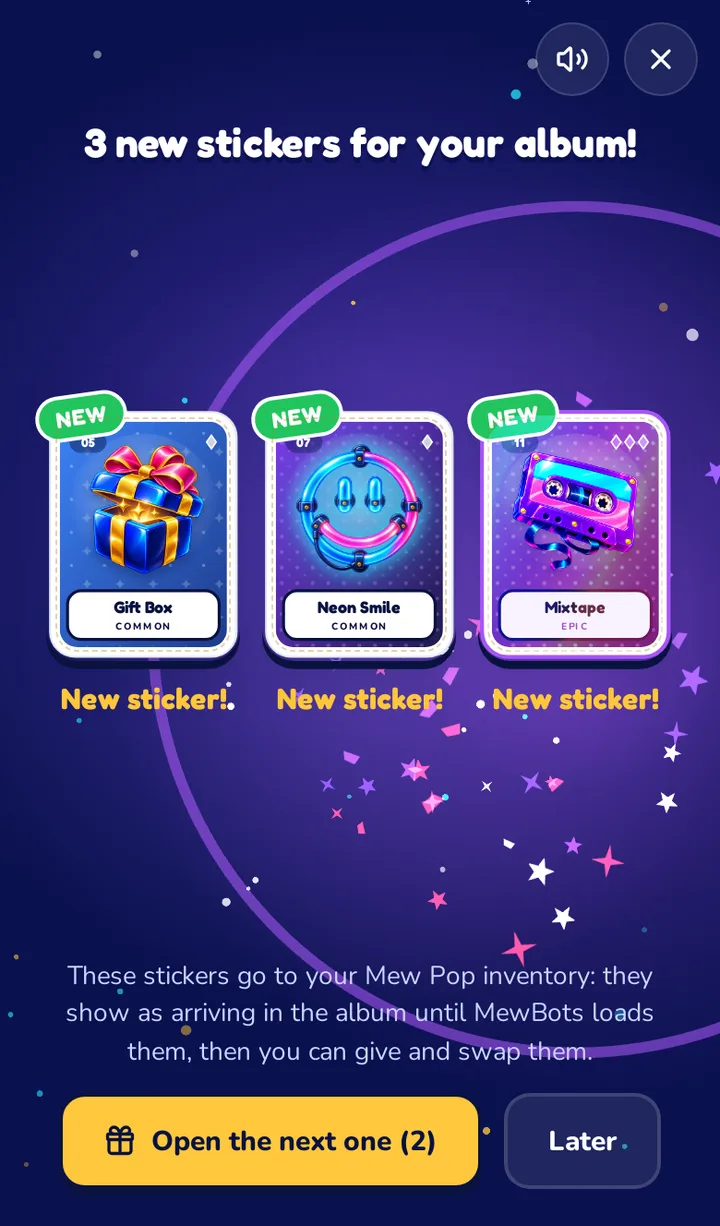
The stickers from your packs show as arriving in the album until MewBots loads them into your inventory. Then you can give and swap them.
5. Your album
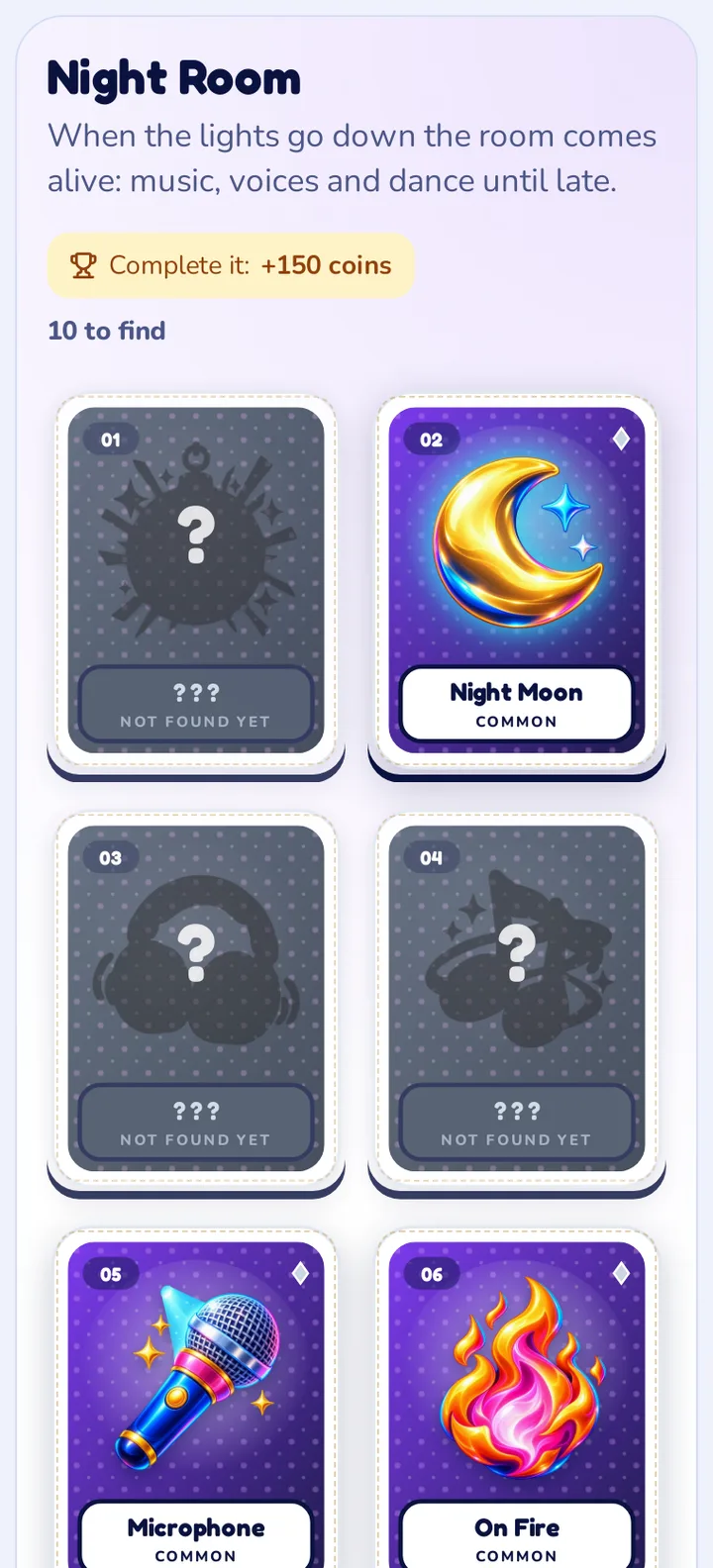
The album has a tab for each series and shows how many stickers you have of each one.
- Coloured stickers are yours. The number on the corner (×2, ×3) is how many copies you have.
- Grey stickers are the ones you still have to find.
- “Arriving” stickers are on the way to your MewBots inventory.
- Stickers with the label “Chat only” drop only in the chat.
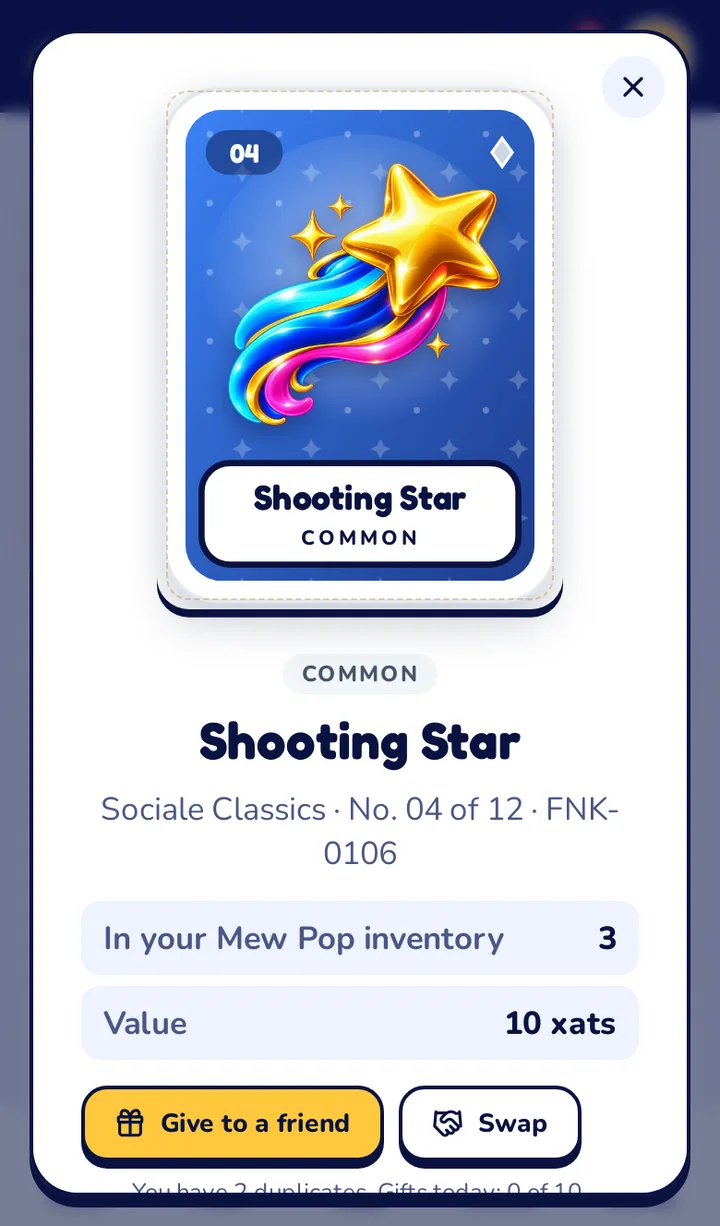
- Tap any sticker, also the ones you miss, to see its card: picture, rarity, value, power (HP, attack, defence, speed), special ability and where to find it.
6. Give a sticker to a friend
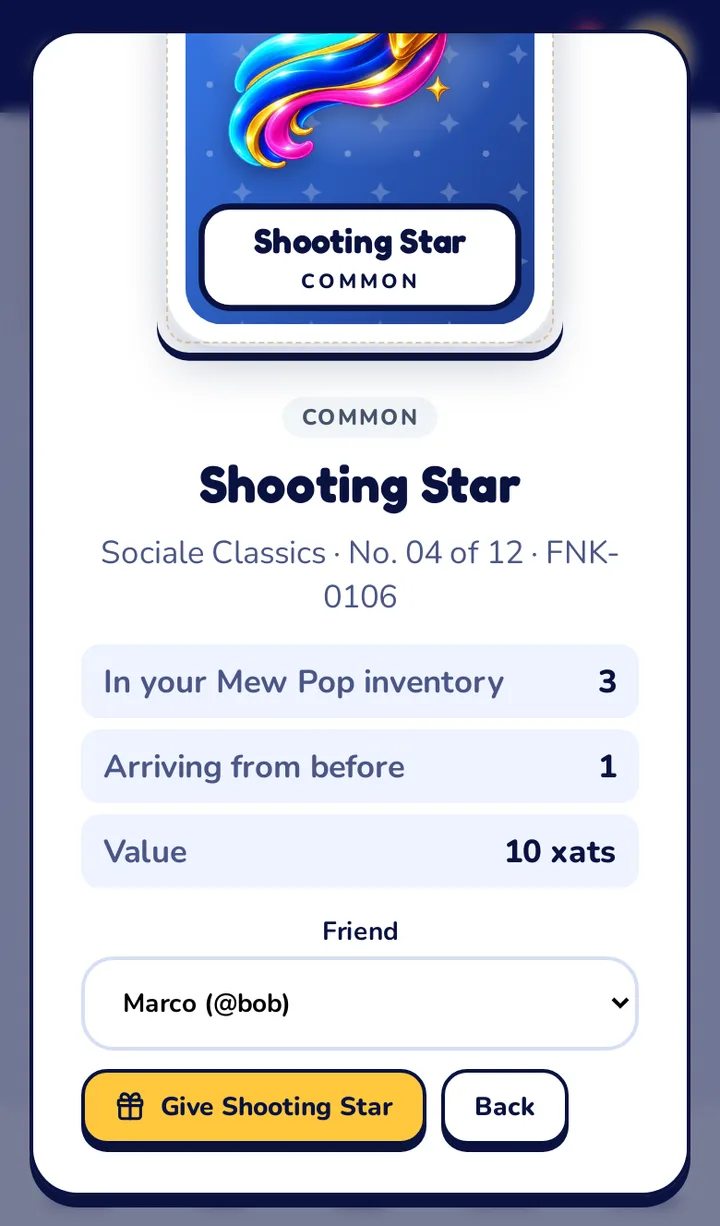
- Tap a sticker you have, then Give to a friend.
- Choose the friend and confirm. The sticker goes to their album right away and they get a notification.
You can give stickers to your friends: members you follow and who follow you back, with their xat account linked. There is a limit of gifts a day.
7. Swap stickers
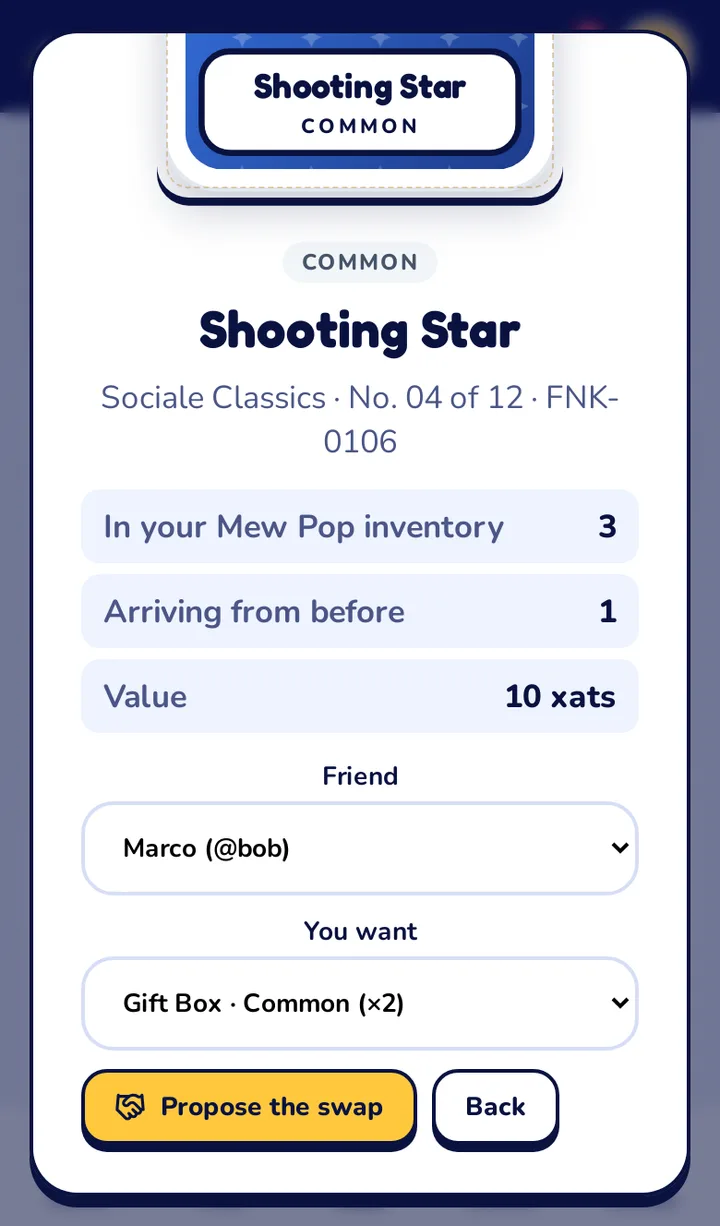
- Tap one of your stickers, then Swap.
- Choose the friend and the sticker of theirs you want, then Propose the swap.
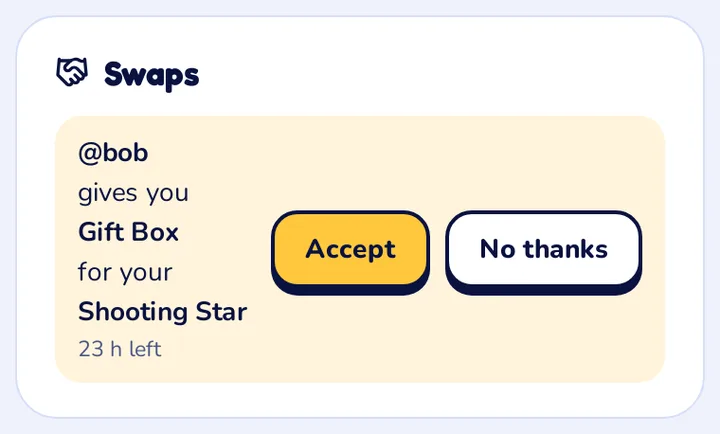
- Your friend has 24 hours to accept or say no. You find the open swaps in the Swaps box of the Mew Pop page, where you can also cancel yours.
When you receive a swap you get a notification: tap Accept and the two stickers change album.
8. Complete a series and hand it in
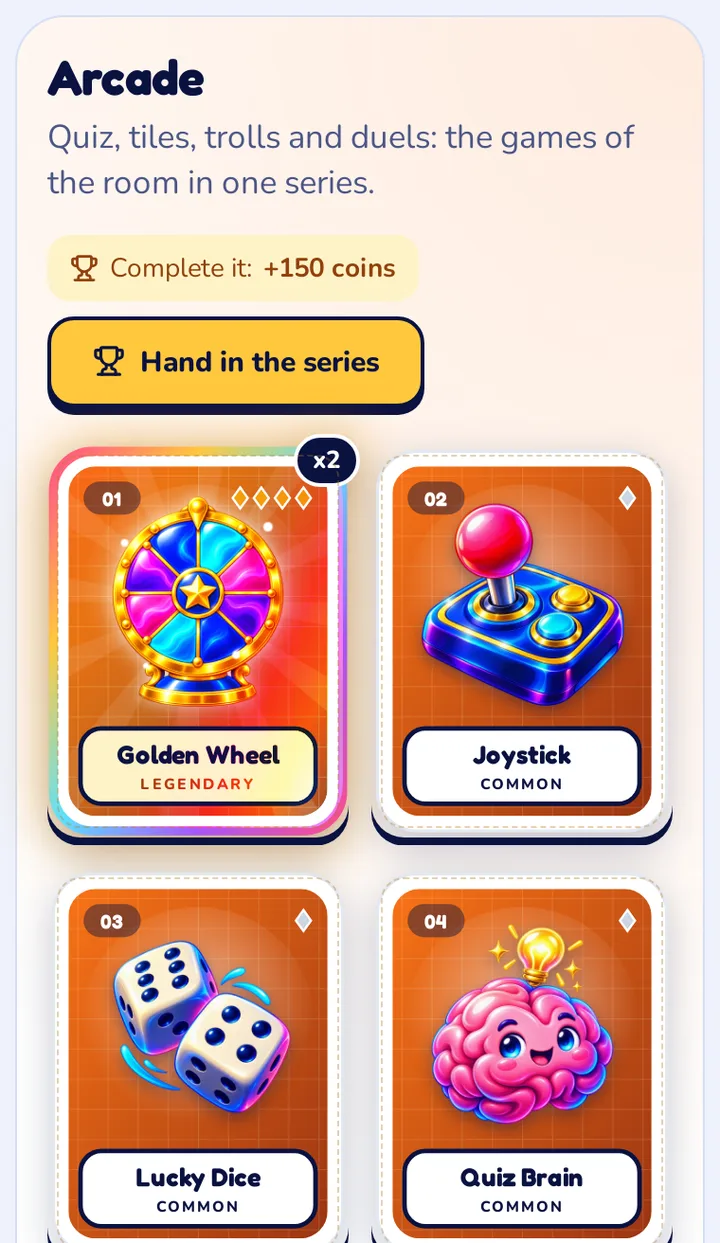
When you have all 12 stickers of a series, the button Hand in the series appears.
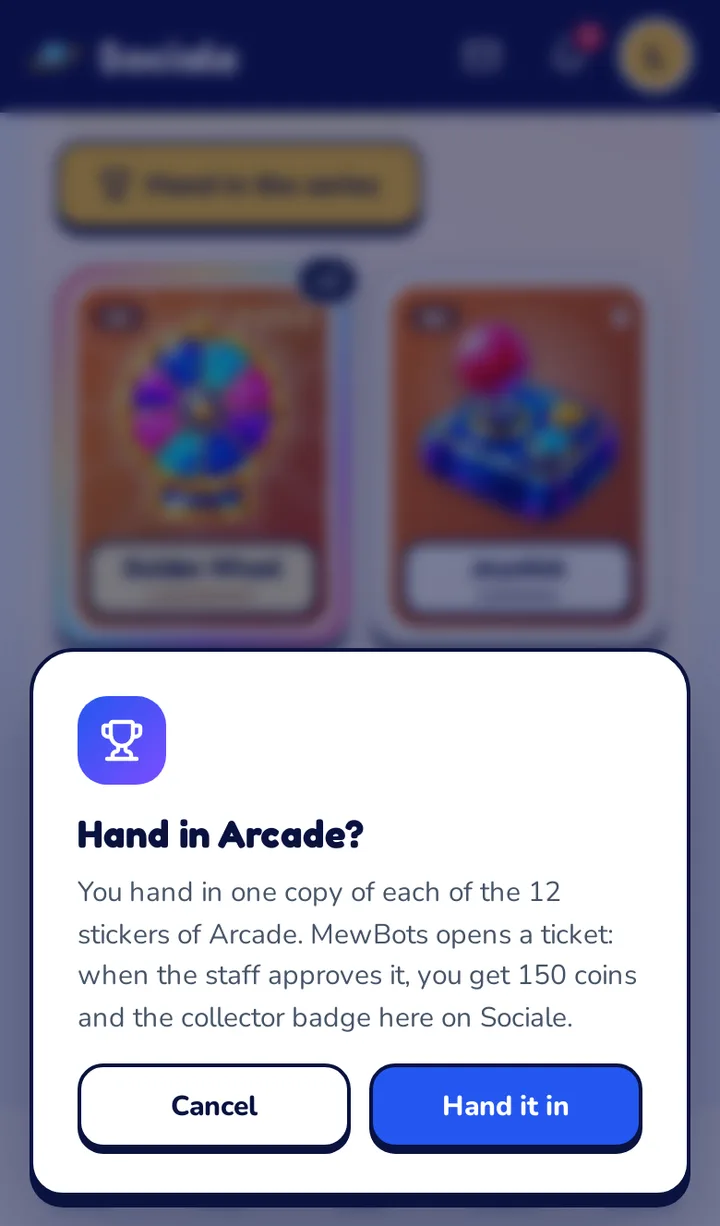
- Tap Hand in the series and confirm. You give one copy of each of the 12 stickers: your duplicates stay.
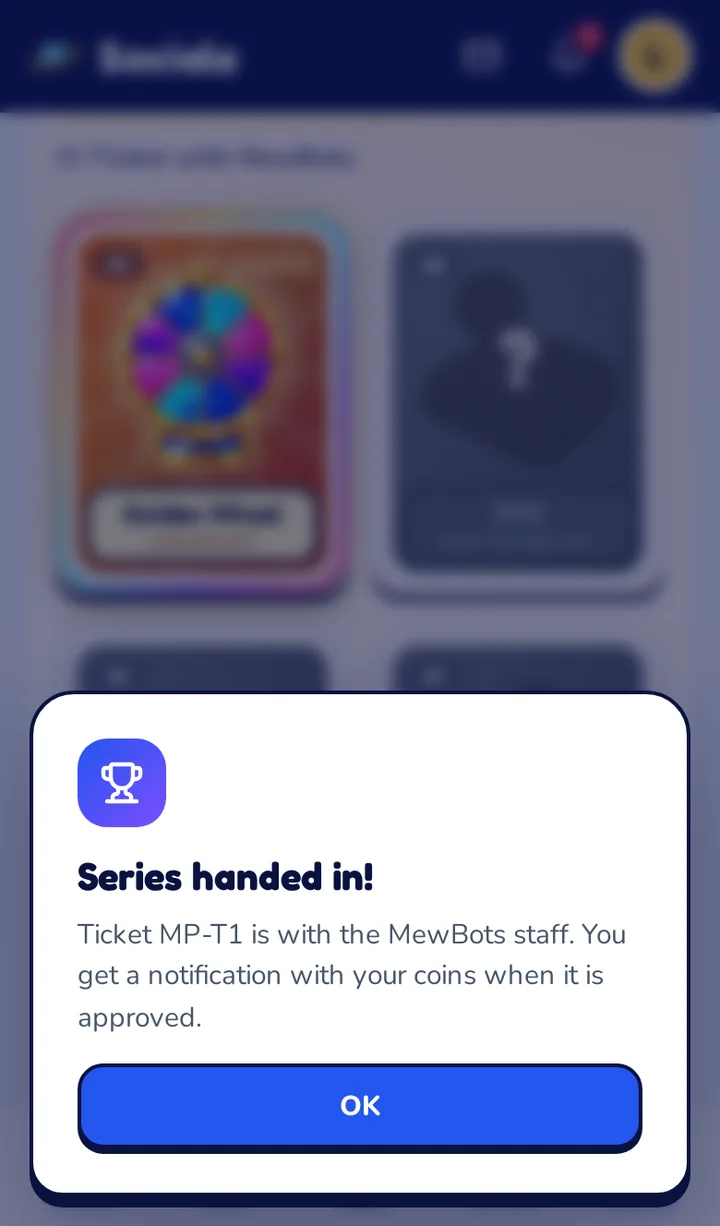
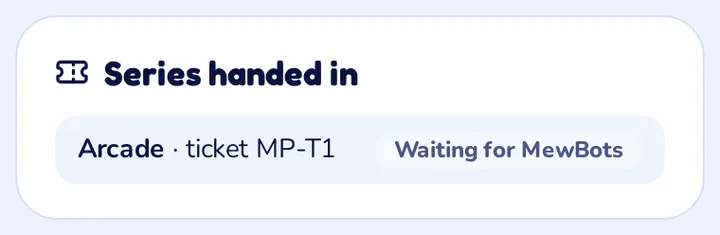
- MewBots opens a ticket and its staff checks it. You see it in the box Series handed in.
- When the ticket is approved you get 150 coins on Sociale and, the first time, the collector badge on your profile. You get a notification.
You can collect the same series again and hand it in once more.
9. What happens in the chat
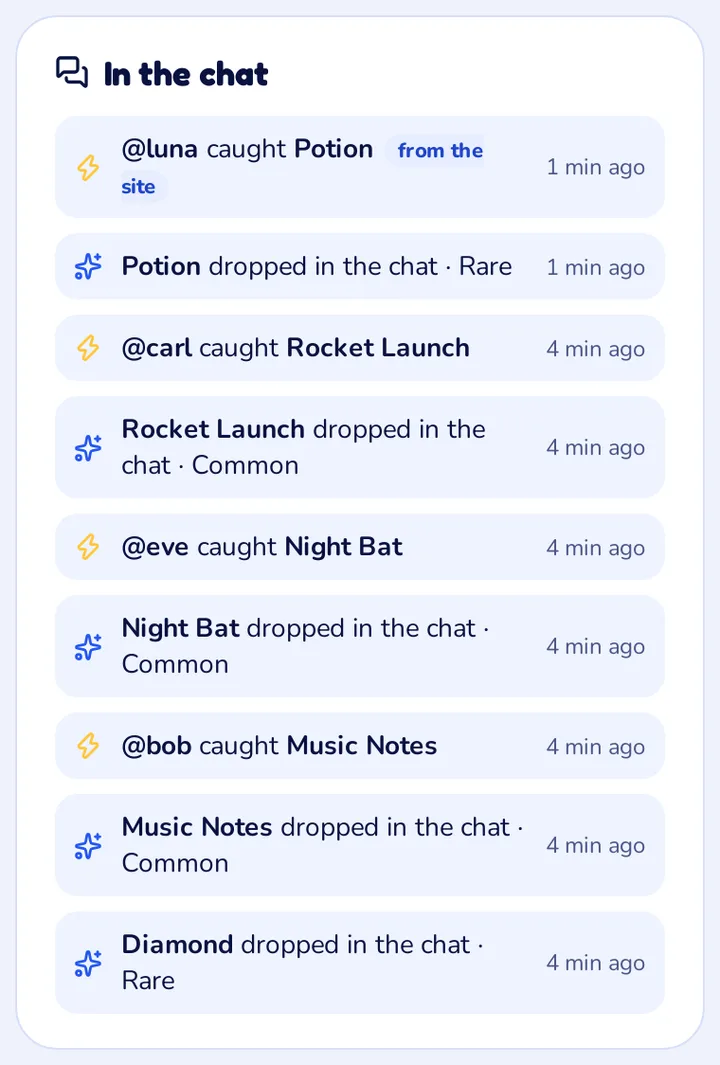
The box In the chat shows the last stickers that dropped, who caught them and the ones nobody caught.
!catchcatches the sticker that is in the chat.!mewpopshows your Mew Pop inventory in the chat.
Questions about Mew Pop
What is Mew Pop?
Mew Pop is the sticker collection of Sociale, made with MewBots, the bot of the Sociale room. There are 48 stickers in 4 series, each with common, rare, epic and legendary stickers.
Is it free?
Yes. You need a free Sociale account and your xat account linked with the Sociale Card. Nothing to buy.
Why do I have to link my xat account?
Your stickers live in your Mew Pop inventory on MewBots, which is tied to your xat account. This is why your album is the same in the chat (!mewpop) and on the site.
How do I get stickers?
In two ways: catch the stickers that drop in the Sociale chat, here with the button or with !catch in the chat, and open the packs you earn with time on the site. Every pack has 3 stickers.
I caught a sticker with !catch in the chat. Why is it not in my album?
The bot sends you a code in private. Type it in the box “Caught it in the chat?” on the Mew Pop page within 5 minutes: then the sticker goes in your album. After 5 minutes the code expires and the sticker is lost.
What does “Chat only” mean?
In every series at least 3 stickers drop only in the Sociale chat: you cannot catch them from the site and they never come out of a pack. Catch them with !catch in the chat, then type on the Mew Pop page the code the bot sends you. They have the label “Chat only” in the album.
Why did my pack disappear?
A pack you do not open within 10 minutes disappears, so packs do not pile up. When you get a pack, open it right away: the page shows how much time is left.
What does “arriving” mean?
The stickers from your packs (and the stickers you had before Mew Pop) go to your MewBots inventory in a file that the staff sends to MewBots. Until MewBots loads them they show as arriving: you see them, but you cannot give or swap them yet.
Who can I give or swap stickers with?
With your friends on Sociale: members you follow and who follow you back, and who have linked their xat account too. There is a limit of gifts a day, shown on the sticker.
What do I get for a full series?
Hand it in from the album: you give one copy of each of the 12 stickers, MewBots opens a ticket and its staff checks it. When the ticket is approved you get the coins on Sociale (150 for each series) and, the first time, the collector badge on your profile.
Can I complete the same series again?
Yes. After you hand it in, collect it again and hand it in once more for the coins.